Scout Mini
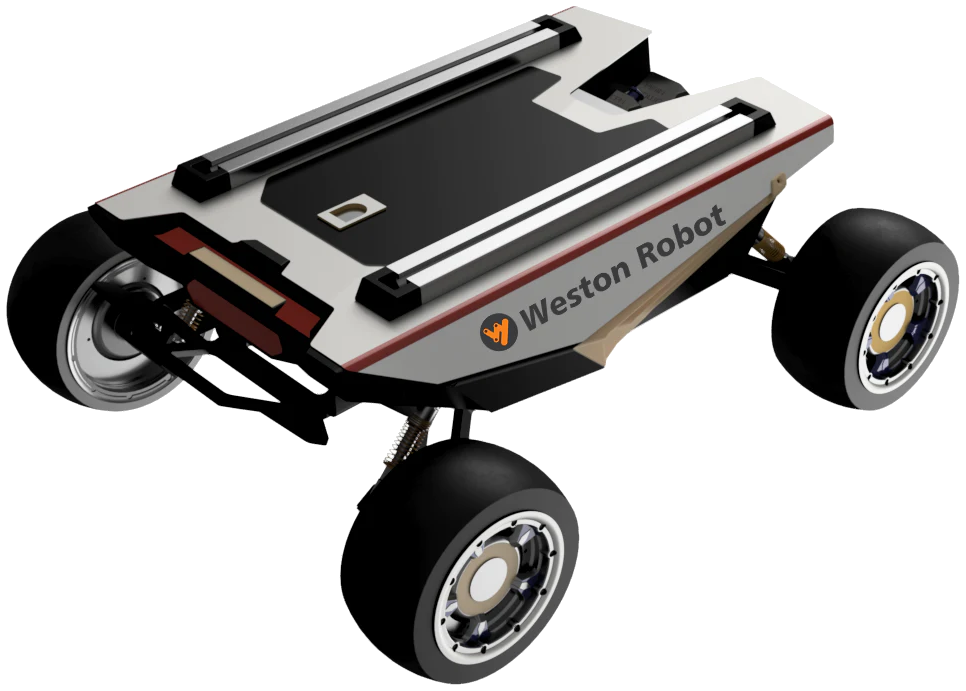
The Scout Mini is AgileX's compact four-wheel differential-drive UGV, supplied as a development platform. You drive it over CAN using our SDK or ROS packages, either from an onboard computer you fit yourself or from an external machine.
This page does not repeat or replace AgileX's documentation. It highlights the information you reach for most often, and supplements it with what we have learned from supplying and supporting these units — configuration, verified values, and our own guides.
AgileX's own documentation:
Getting started
Read Operational Safety before driving the robot for the first time, including the additional hazards specific to wheeled bases.
The Scout Mini has no onboard computer of its own — you supply the compute and talk to the base over CAN. Bring-up in outline:
- Charge and power on, and check the base responds to the supplied controller.
- Wire a CAN interface between your computer and the robot.
- Bring up the CAN interface and confirm frames are arriving.
- Drive it from code using
ugv_sdkor the ROS packages.
Steps 2 to 4 are covered end to end in Robot Base Control.
Looking to add compute, sensors or power distribution? See Peripherals, or the UGV Development Kit for a pre-integrated build.
Key information
A quick reference for the things you reach for most often, collected so you can find them with the robot in front of you. Values are as configured on the units we supply.
Related resources
Files and repositories you clone or download to work with the robot.
Documents we publish — generated from the file store, so a new revision appears here without this page being edited.
| File | Type | Version | Language | Size | SHA256 |
|---|---|---|---|---|---|
| CAD · Off road wheel | ZIP | v2020.10.29 | — | 19.0 MB | d7c764fa24f4 |
| User manual | v2.0.1 | English | 1.1 MB | af33f8441744 |
Everything else — code and documentation hosted elsewhere, maintained by hand.
| Resource | What it is | Where |
|---|---|---|
| C++ SDK | Primary development interface | ugv_sdk |
| ROS package | ROS 1 integration | scout_ros |
| ROS 2 package | ROS 2 integration | scout_ros2 |
Installing Weston Robot packages on your host? Add our package repository first: Weston Robot Apt Source.
Dimensions, payload, speed, IP rating and battery figures are on the official product page rather than copied here.
Control interface
The base is driven over CAN. Both wrp_sdk and the ROS packages speak to it over the same interface, so bringing up CAN correctly is the prerequisite for everything else — see Robot Base Control.
The Scout Mini ships in standard-wheel and mecanum-wheel variants, which differ in rated load and how much tilt they tolerate. Confirm which you have before planning a payload.
Guides for this product
| Guide | What it covers | Reach for it when |
|---|---|---|
| Robot Base Control | Manual and programmatic control over CAN, including interface setup and troubleshooting | Setting the robot up, or driving it from your own code |
All Scout Mini guides — generated from the scout-mini tag, so anything published later appears there without this page being edited.
Troubleshooting & FAQ
Support
Collect the serial number, firmware version and logs before raising a ticket — Before you contact us lists what helps and includes the commands to gather it.