Kinova Gen3 Lite
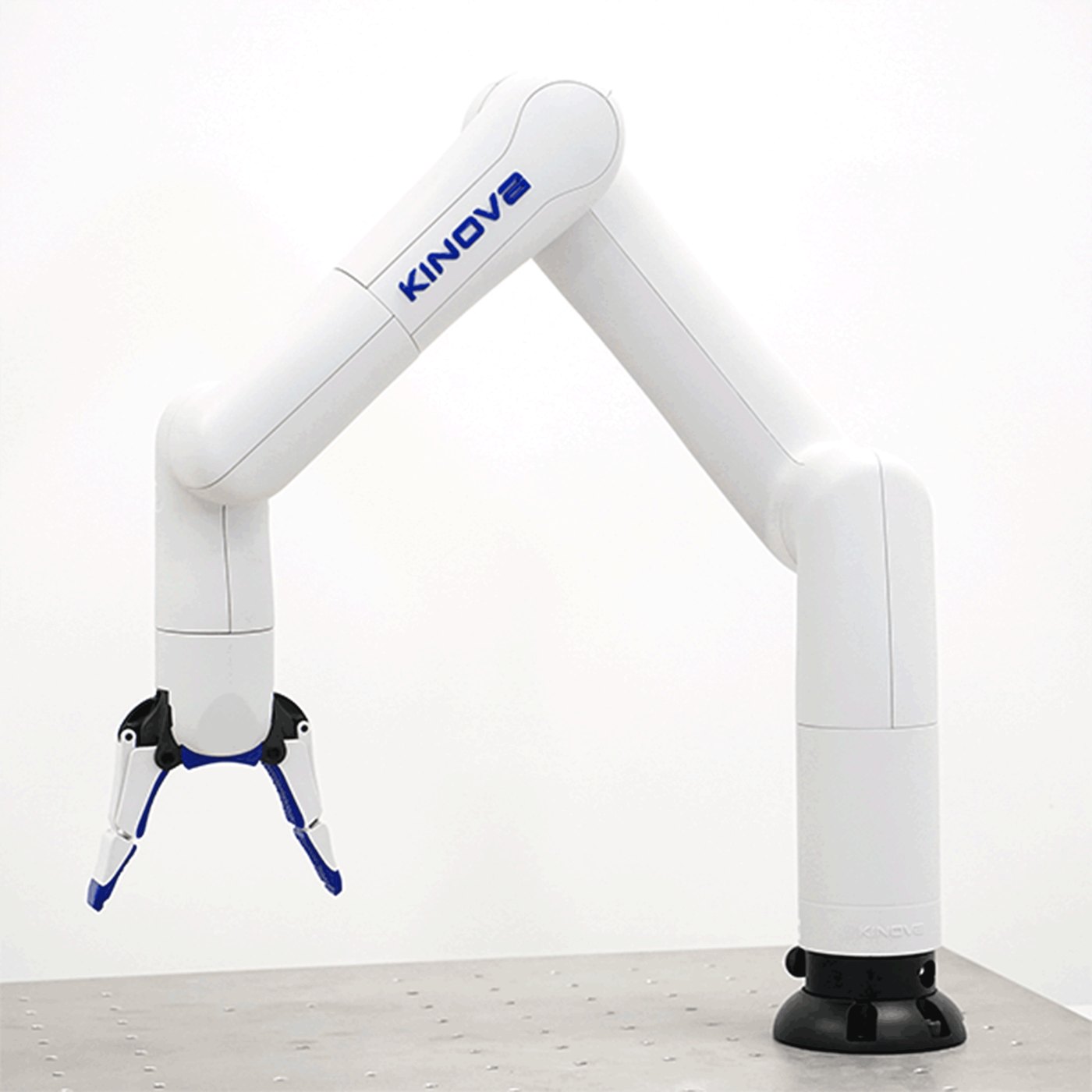
The Gen3 Lite is Kinova's lightweight 6-DOF manipulator, aimed at education, research and light industrial work. It runs Kinova's KORTEX software stack and is reached over Ethernet, USB or WiFi.
This page does not repeat or replace Kinova's documentation. It highlights the information you reach for most often, and supplements it with what we have learned from supplying and supporting these units — configuration, verified values, and our own guides.
Kinova's own documentation:
Getting started
Read Operational Safety before powering the arm for the first time, including the additional hazards specific to manipulators. A manipulator moving under program control is a crush hazard — keep clear of the working envelope until you have tested your motion limits.
Bring-up in outline:
- Mount the arm on a rigid surface that can take the reaction forces.
- Connect 24 V power (18–30 V DC) and a network link.
- Reach the arm through the KORTEX web interface to confirm it is alive.
- Move to the API — C++ or Python via KORTEX, or one of the ROS integrations.
Kinova's quick start guide is the shortest path, and Kinova's KORTEX how-to series walks through the software.
Key information
A quick reference for the things you reach for most often, collected so you can find them with the robot in front of you. Values are as configured on the units we supply.
Related resources
Files and repositories you clone or download to work with the arm.
Kinova maintain their own documentation and revise it on their schedule — the links below go to their resource pages so you always get the current revision rather than a copy of ours.
| Resource | What it is | Where |
|---|---|---|
| User guide | Full manual | Gen3 lite user guide |
| Start guide | The shortest path to first motion | Quick start guide |
| Firmware release notes | What changed, and update procedure | Release notes |
| CAD model | STEP file for mechanical design | CAD & drawings |
| Specifications | Dimensions, payload, reach and ratings | Product specifications |
| Robot model | URDF / XACRO for simulation | kortex_description |
| C++ / Python API | Primary development interface | Kinova KORTEX API |
| ROS 1 | ROS integration | ros_kortex |
| ROS 2 | ROS 2 integration | ros2_kortex |
| MATLAB | MATLAB interface | matlab_kortex |
| Video tutorials | Kinova's KORTEX how-to series | YouTube playlist |
Installing Weston Robot packages on your host? Add our package repository first: Weston Robot Apt Source.
Reach, payload, repeatability, joint ranges and power figures are on the official product page rather than copied here.
Control interface
The arm runs KORTEX, Kinova's own stack, and is reached over Ethernet, USB or WiFi. Control is available at two levels: high-level Cartesian and joint position or velocity commands, and low-level position, velocity and current control at 1 kHz.
As with any arm, use a wired link for low-level control. WiFi is convenient for the web interface and high-level commands, but a dropout during a 1 kHz control loop is not something the arm can ride out.
The tool flange speaks Modbus RTU over RS485 for end effectors — check the user guide for the pin assignment before wiring a gripper.
Troubleshooting & FAQ
Support
Collect the serial number, firmware version and logs before raising a ticket — Before you contact us lists what helps and includes the commands to gather it.