Z1
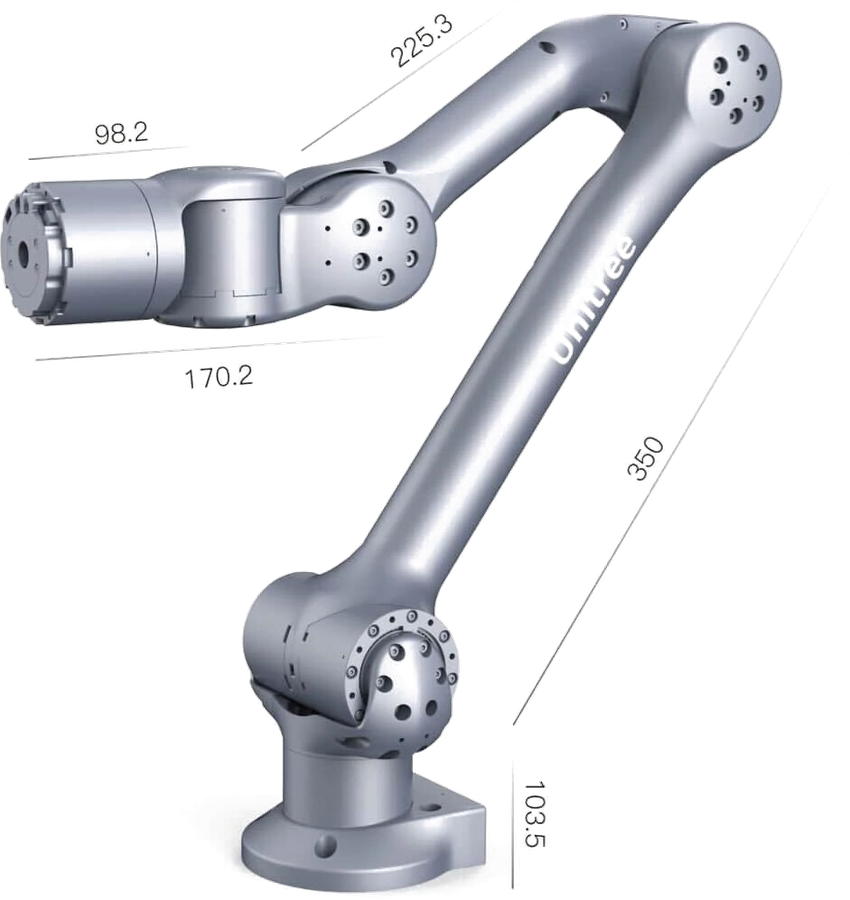
The Z1 is Unitree's compact 6-DOF manipulator. It is often mounted on a mobile base — it was designed to pair with Unitree's quadrupeds — and is reached over Ethernet with position and force control available.
This page does not repeat or replace Unitree's documentation. It highlights the information you reach for most often, and supplements it with what we have learned from supplying and supporting these units — configuration, verified values, and our own guides.
Unitree's own documentation:
Getting started
Read Operational Safety before powering the arm for the first time, including the additional hazards specific to manipulators. A manipulator moving under program control is a crush hazard — keep clear of the working envelope until you have tested your motion limits.
Bring-up in outline:
- Mount the arm on a rigid surface, or on the mobile base it will run on.
- Connect 24 V power — the arm draws over 20 A, so size the supply and wiring for it.
- Connect Ethernet and reach the controller.
- Run the controller and an SDK example to confirm the chain works.
Unitree's documentation covers each step in detail. We do not publish a Z1 bring-up guide of our own.
Key information
A quick reference for the things you reach for most often, collected so you can find them with the robot in front of you. Values are as configured on the units we supply.
Related resources
Files and repositories you clone or download to work with the arm. Note these are Weston Robot forks — use them in preference to the upstream repositories.
| Resource | What it is | Where |
|---|---|---|
| Controller | Runs on the host and talks to the arm | z1_controller |
| SDK | Primary development interface | z1_sdk |
| ROS package | ROS integration | unitree_ros |
Installing Weston Robot packages on your host? Add our package repository first: Weston Robot Apt Source.
Reach, payload, repeatability, joint ranges and speeds are on the official product page rather than copied here.
Control interface
The arm is reached over Ethernet and runs from a host machine — z1_controller handles the real-time side, and your code talks to it through z1_sdk. Position and force control are both available, and the arm provides force feedback and collision detection.
Power is 24 V at more than 20 A, up to 500 W. That is more than a typical bench supply delivers and more than most mobile bases have spare on their user rail, so check your power budget before mounting it on a robot.
End effector
The Z1 is supplied with or without a gripper depending on configuration, and the gripper is driven over RS485 separately from the arm's Ethernet link.
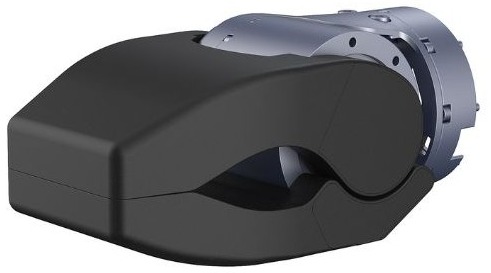
If your unit has the gripper, its rated load is lower than the arm's payload, so the gripper is usually what limits what you can pick up. Figures are on the official product page.
Troubleshooting & FAQ
Support
Collect the serial number, firmware version and logs before raising a ticket — Before you contact us lists what helps and includes the commands to gather it.